The work in view, the files at hand.
The team's tasks on a board, its files in a library, the calendar and notes alongside. Press Command-K to jump anywhere.
What it does
Tasks
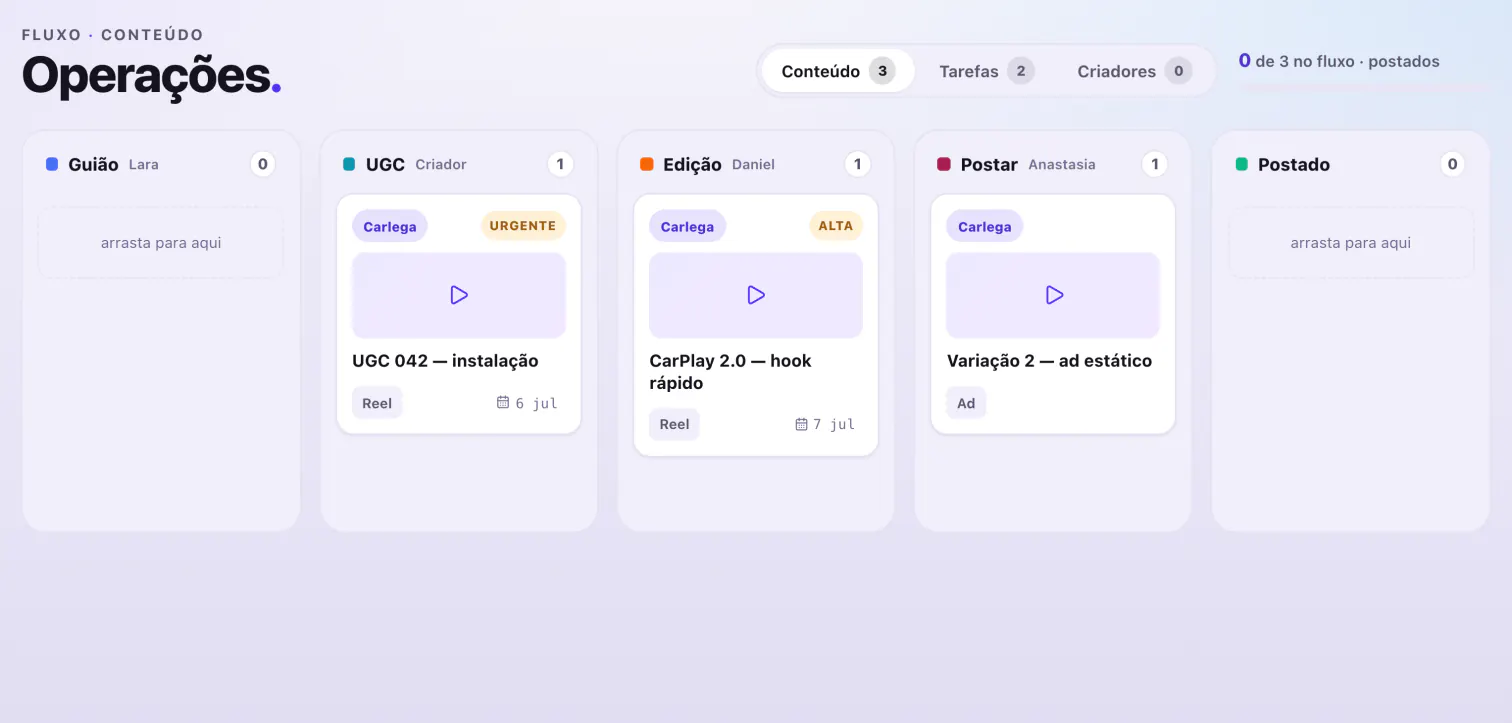
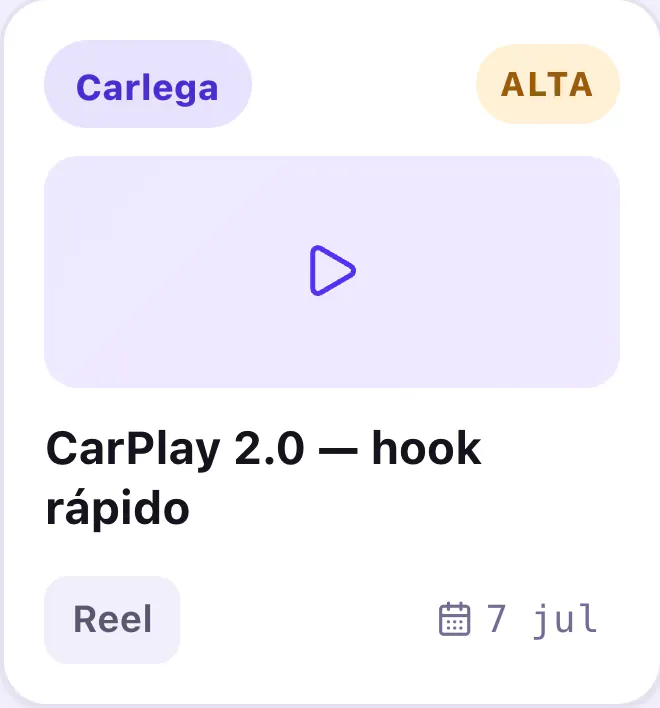
The team's tasks sit on a board of three columns: A fazer, Em curso and Feito, to do, in progress and done. One tab over on the same screen is the video board, from script to posted.
Library
The team's files live in a library inside Karsi, in the same window as the tasks. One place to look.
Calendar and notes
The calendar and the notes sit in the same place as the rest of the work. See the week and write down what matters without opening another app.
Command-K
Command-K opens search. Type where you want to go and jump straight there: anywhere in Karsi you have access to, without leaving the keyboard.
How you know
Everyone signs in with their own account and sees only the stores they were given. On the board, each person sees what is theirs, and roles are checked on the server, not just on screen.
Common questions
Where does each person see their tasks?
In their own home, next to their goals, meetings and requests. More in Team.
When a video reaches Postado (posted), does Karsi publish it?
No. Postado is a status the team sets. Moving the card there publishes nothing.
Does everyone see every store's work?
No. Everyone sees only the stores they were given. Whoever has more than one switches stores without leaving the window.
Can I check tasks on my phone?
No. Karsi is a Mac app, for macOS 15 or later. Everyone signs in with their own account.